GTA 6 Hub / Guides
GuidesGTA 6 Crashing, Freezing or Won't Start? Fixes That Work on PS5 and Xbox
Start with the PS5 system software update, a full restart and the latest game patch. Most launch-day crashes are licence, storage or update problems, not a broken game. And 30fps is not a bug: Rockstar targets 30 on every console.
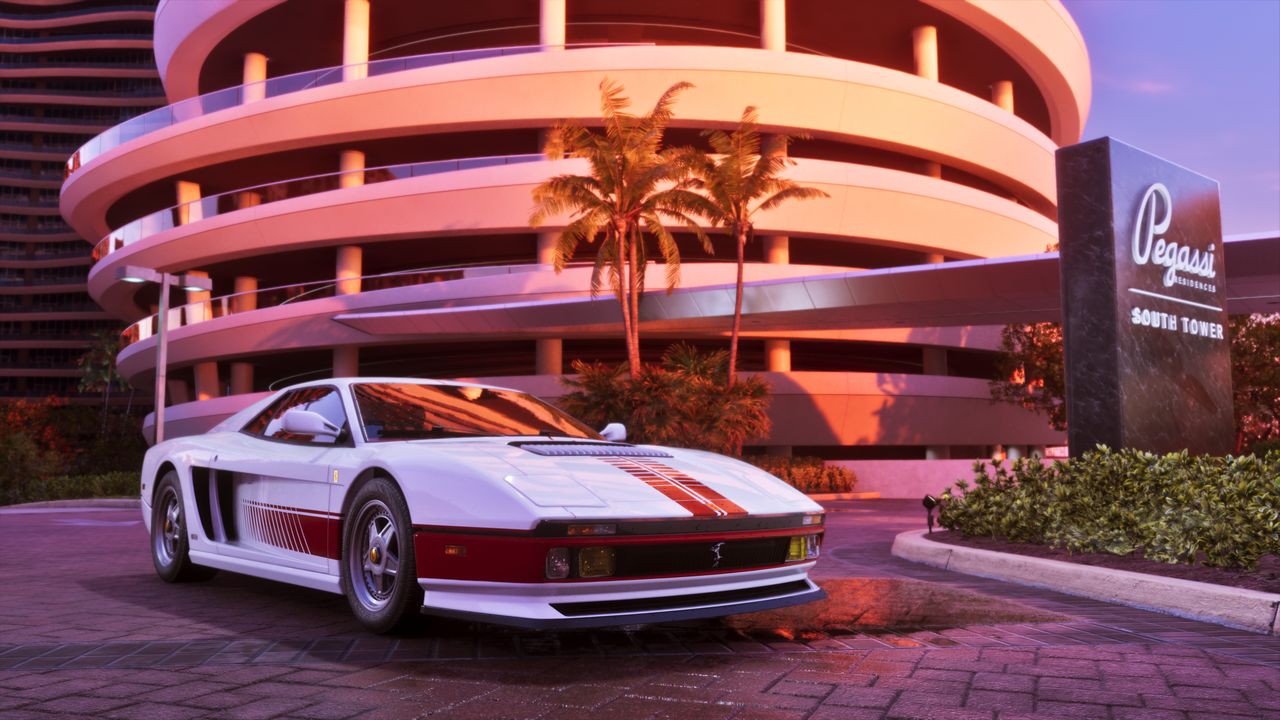
If GTA 6 crashes, freezes or will not start, start with three things: install the PS5 system software update, fully restart the console, and install the latest game update. Those three steps fix most launch-day problems, because most of them are licence, storage or update problems rather than a broken game. Work through the fixes below in order, cheapest first, and only reinstall as a last resort: the game is up to 212 GB.
What players are actually hitting
A count of 7,683 Reddit posts from the first 22 hours after launch, published on Medium, shows what launch day really looked like. The biggest topic by far was frame rate: 198 posts and 1,042 comments about the 30fps lock, frame drops and stutter. Next came blur, ghosting and washed-out HDR with 79 posts, Xbox Series S performance with 42, then crashes, freezes and games that will not start with 39 posts, Xbox Cloud Gaming not working with 32, saves and autosave problems with 22, audio stutter and lip sync with 21, and "servers are busy" or being stuck on the title screen with 11. Those are counts of posts, not counts of players, and most posts in the period were people having a great time. But the shape is useful: performance complaints dominate, actual crashes are a smaller slice, and Rockstar had published no crash fix or known-issues list by the morning after launch.
One thing the numbers make clear: 30 frames per second is not a bug. Rockstar targets 30fps on every console, PS5 Pro included, and there is no 60fps mode. A steady 30 is the game working as designed. The fixes below are for crashes, freezes and games that will not start, not for the frame rate.
Fix 1: update the PS5 system software (required)
PlayStation Support US said on November 18, 2026 that players need a PS5 system software update before playing GTA 6, and advised installing it before midnight on November 19. The update is version 26.07-14.23.00. On PS5, go to Settings, then System, then System Software, then System Software Update and Settings. See the day-one patch guide for the game updates that go with it, versions 1.002.000 and 1.002.001.
Fix 2: fully restart the console
Not rest mode. A full power cycle clears the temporary state that causes most launch failures.
- PS5: press the PS button, go to Power, then Turn Off PS5. Wait until the light is off, then turn it on again.
- Xbox Series X|S: hold the Xbox button on the console for 10 seconds until it turns off, then start it again. Unplugging the power cable for 30 seconds also clears the cache.
Fix 3: install the latest game update
- PS5: highlight GTA 6, press Options, then Check for Update. You can also check Information, then Download Status, to confirm the game is fully installed.
- Xbox: go to My games and apps, highlight GTA 6, press the Menu button, then Manage game and add-ons, then Updates.
Fix 4: check storage space
GTA 6 needs up to 212 GB, and consoles need extra room on top of that to install updates. Keep at least 20 to 30 GB free beyond the game itself. If the download will not start or fails with a storage error, this is the first thing to check. The game must also be installed on internal storage, a PS5 M.2 SSD or an Xbox expansion card, not a USB drive. See the download-error guide for the full storage and download fixes.
Fix 5: check you are signed in, online and licensed
The game needs a licence check on first launch, so the console has to be online and signed in to PlayStation Network or Xbox network. If it says you cannot play the game or the licence looks wrong:
- PS5: go to Settings, Users and Accounts, Other, then Restore Licenses. Then check the same PS5 is set as your primary console under Console Sharing and Offline Play, and enable it if it is not.
- Xbox: sign out and back in, and check the console is set as your home Xbox under Settings, General, Personalization, My home Xbox.
Fix 6: check the servers before changing anything
On launch day, millions of players unlock at once, and PlayStation Network, Xbox network and Rockstar's own services all take a heavy load. If the problem is on the server side, nothing you do on your console will fix it. Check Rockstar Games Service Status, PlayStation Network Service Status and Xbox Status first. If reports are high, wait 15 to 30 minutes and try again. Do not reinstall or reset the console during an outage.
One player-reported workaround for the "servers are busy" message on the title screen: several players report that choosing Play Offline on the network prompt gets them in. That is a player report, not an official fix, but it fits: GTA 6 is single-player at launch, so the story should still work offline once the licence is confirmed.
Fix 7: clear the cache and rebuild the database (PS5)
Safe for your saves. Turn the PS5 fully off, then hold the power button until you hear the second beep to start Safe Mode. Connect the controller with a cable, choose Clear Cache and Rebuild Database, then Clear System Software Cache. Sony's own crash troubleshooting page lists this as a step before reinstalling.
Fix 8: test the save, then reinstall
If the game crashes at the same point every time, the save may be the problem. Sony's troubleshooting sequence suggests starting without an existing game save to test it. On Xbox, try another profile, or remove and re-add your profile, then clear the local save and resync with the cloud. Only after that should you delete the game and download it again, using a wired connection if possible. A full console reset is the last step on Sony's list: it erases console data, so back up first.
Specific problems
- Stuck on the loading screen: wait at least 5 minutes on the very first start, when the game may be preparing data. If it still hangs, close the game fully and relaunch. If the loading depends on a server, it will stall during an outage, so check the status pages.
- Crashes during play (CE-108255-1 and similar): fully power off the console, install the latest game and system updates, and work through the steps above in order. Sony's crash page recommends checking installation and updates before moving to save testing or a reinstall.
- Stutter, blur and ghosting: the most-reported launch-day complaint, but not a crash. A steady 30fps is expected. Turn on your TV's Game Mode, turn off motion smoothing, and see the graphics settings guide and the HDR guide. Settings guides disagree on motion blur, so there is no single verified fix yet.
- Xbox Cloud Gaming not working: 32 Reddit posts on launch day. Xbox streams GTA 6 to Xbox One and Xbox Series X|S from November 19, but not to PC. Check Xbox Status, and confirm the game was purchased separately: streaming needs Game Pass or bought cloud playtime.
- Lost progress or autosave problems: 22 posts on launch day. See the beginner's guide for how saving works, including manual saves and the Criminal Profile.
When to contact support
If you have worked through every step above and the game still crashes, the next step is Rockstar Games Customer Support. Xbox Support's own troubleshooting page directs GTA 6 questions to Rockstar. Include your console, the exact error code if one appears, and whether the crash happens at launch or at the same point in play. Rockstar had not published a known-issues list by the morning after launch, so new crash reports are still worth filing: they are how a fix gets made.
- Nerdschalk, Official Fixes to Try First for GTA 6 Crashing on PS5 and Xbox Series X|S
- fpsgen, GTA 6 Won't Start or Keeps Crashing? 9 Fixes for PS5 and Xbox
- GTA 6 Is Down, GTA 6 Not Working? Common Launch Issues and Fixes
- Medium, We counted 7,683 GTA 6 Reddit posts from launch day
Figures were checked on the dates shown. Review scores and store listings can move after publication.
More from GTA 6 Hub
 Launch Guide
GTA 6 Release Date, Unlock Time and Platforms: Everything Confirmed for Launch Day
Grand Theft Auto VI is out now on PlayStation 5 and Xbox Series X|S. Here is when it unlocks, where to get it, and what Rockstar has confirmed.
 Price Guide
GTA 6 Price: Standard vs Ultimate Edition, and Which One to Buy
Standard is $79.99, Ultimate is $99.99, and the $20 gap buys bonus content only. The same game, the same map, the same story in both.
 Reviews
GTA 6 Reviews: 99 on Metacritic, Tying the Highest Score Ever
Critics handed Rockstar a near-perfect launch: 99 on Metacritic, 98 to 99 on OpenCritic, and not a single mixed or negative review counted.