GTA 6 Hub / Guides
GuidesGTA 6 Best Graphics Settings: How to Make Leonida Look Its Best on PS5 and Xbox
There is no performance mode and no quality mode in GTA 6. It runs at 30 fps on every console. So the best graphics settings are your TV, your console and one in-game slider.
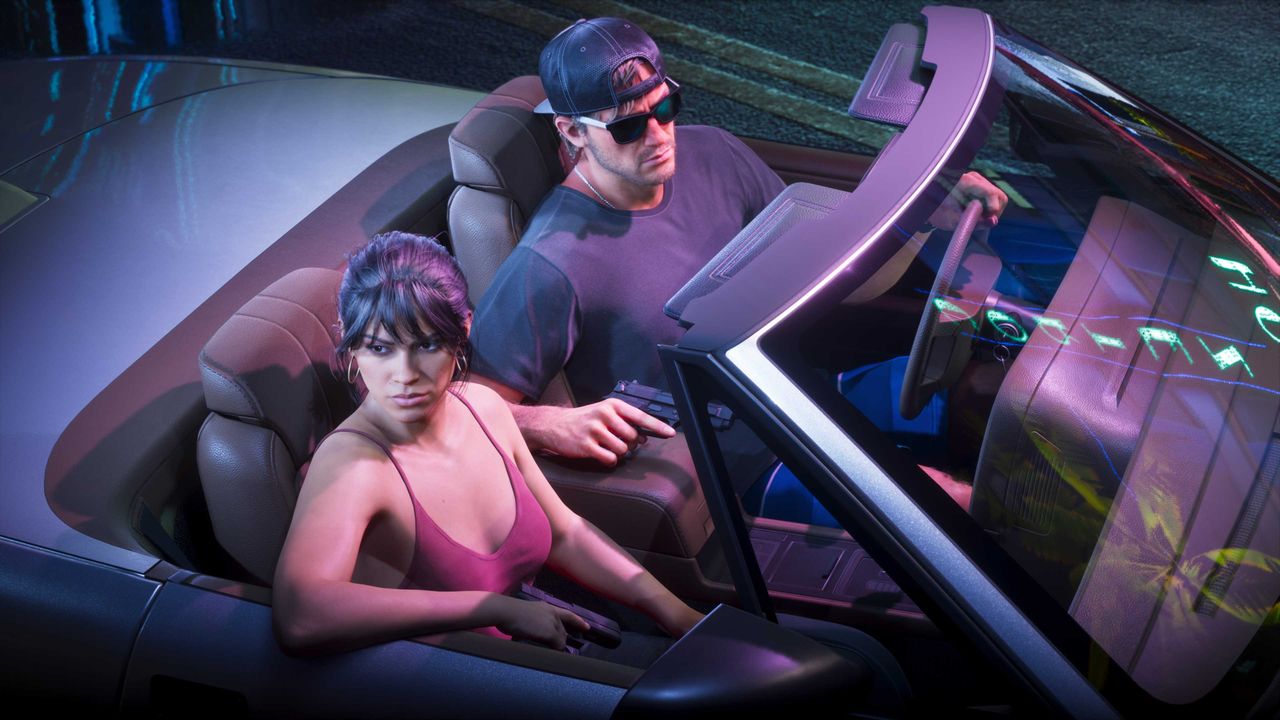
GTA 6 runs at 30 frames per second on every console at launch, and there is no performance mode or quality mode to choose. Rockstar confirmed the 30 fps target itself on November 10, 2026, in the Newswire post that opened pre-loads, and every settings walkthrough published since launch agrees the toggle is not in the menus. That changes what "best graphics settings" means: the game decides the rendering, and you control the picture through your TV, your console system settings and one in-game slider.
What each console is actually doing
Digital Foundry's analysis, published November 18, 2026, measured the internal rendering resolution at 1440p on PS5, PS5 Pro and Xbox Series X, upscaled to a 4K output. Xbox Series S renders at 720p internally, upscaled to 1080p with AMD FSR, with visibly reduced texture detail and thinner crowds in Digital Foundry's comparisons.
| Console | Internal resolution | Output | Extras |
|---|---|---|---|
| PlayStation 5 | 1440p | 4K | Ray traced global illumination and reflections; holds 30 fps in most situations |
| PlayStation 5 Pro | 1440p | 4K | PSSR upscaling that Digital Foundry says convincingly passes for native 4K, plus ray traced shadows only the Pro gets; the steadiest frame pacing of the four consoles |
| Xbox Series X | 1440p | 4K | Rockstar's own TAA upscaling |
| Xbox Series S | 720p | 1080p | AMD FSR upscaling; reduced texture detail and thinner crowds |
Digital Foundry points at the CPU, not the graphics chip, as the reason there is no 60 fps mode: Leonida is simulating traffic, crowds, weather, wildlife and a thousand little systems at once, and that simulation eats the frame budget. Dropping the resolution would not free up the processor time needed to double the frame rate. The game also leans hard on ray traced global illumination and reflections, the lighting that makes a wet Vice City street look like a photograph. On PS5 Pro, Digital Foundry's John Linneman reported more than 50 hours of play with dips only when he deliberately blew up multiple cars at once, down to around 24 fps in that chaos.
The one in-game setting that matters: motion blur
Open Settings, then the Display tab, then Visual Effects. Motion Blur Strength defaults to 3; dropping it to 0 gives the sharpest image at 30 fps, according to MetaForge's settings guide, which checked the launch-day menus. The Display tab is mostly about how the image looks to you: there are sliders for hit and status effects, a gentler flashbang option, gore with three levels and a separate dismemberment switch, and high-contrast shaders that outline characters, enemies and items you can interact with. On PS5 Pro, PSSR and ray traced shadows switch on automatically, with no extra options.
Step one: your TV
The single biggest upgrade costs nothing and lives in your television.
- Turn on Game Mode. It removes processing that adds delay between pressing a button and seeing the result. Many TVs switch to it automatically when they detect a console through ALLM (Auto Low Latency Mode): check that option is on.
- Turn off motion smoothing or interpolation (TruMotion, Motion Plus, Motionflow and similar). Tempting at 30 fps, but it adds lag and creates artefacts.
- Turn off noise reduction and heavy sharpening. In a game this detailed they distort more than they help.
- Turn off dynamic contrast and energy saving. They change brightness scene by scene and spoil HDR.
- Use HGiG if your TV has it. It makes the TV respect the console's calibration instead of applying its own tone mapping. If your TV does not have HGiG, leave tone mapping on its most neutral setting.
If you play on Xbox Series S, this TV advice matters even more, because a clean image hides a soft render better than a sharpened one.
Step two: your console
Calibrate HDR after setting up the TV, since the calibration depends on it. On PS5, go to Settings, then Screen and Video, then Video Output, then Adjust HDR, and follow the three steps, raising each level until the symbol is barely visible. On Xbox Series X|S, open HDR Game Calibration under Settings, then General, then TV & display options.
- PS5: leave resolution and HDR on Automatic under Video Output. You can leave VRR on: at 30 fps it will barely show, but it does no harm and will help if Rockstar adds a performance mode later. The PS5 Game Presets choice between performance and resolution mode does not change GTA 6: it runs at 30 fps either way.
- Xbox: under TV & display options, make sure the output is set to 4K if your TV supports it. Leave 120 Hz output enabled for compatible games if you like, but it makes no difference in GTA 6, since the game is only 30 fps. Only enable Auto HDR if you like the result in older games: GTA VI is native HDR.
There is no difficulty setting in GTA 6. Instead, the Gameplay tab has Accessible Combat, which makes enemies weaker and lowers the damage you take, and Reduced Vehicle Damage, which makes getaways more forgiving. Neither affects achievements or trophies.
See also: the best HDR settings guide for the full calibration walkthrough, the PS5 vs Xbox comparison for the full Digital Foundry breakdown, and the best settings guide for the rest of the menus.
- The Daily Checkpoint, GTA 6 Settings Guide: Make Leonida Look Like Rockstar Intended
- Guias GTA 6, Best settings for GTA 6: TV, HDR and console (PS5 and Xbox)
- MetaForge, GTA 6 Best Settings: What to Change Before You Play
- PlayHub, GTA 6 Controls and Settings Guide
Figures were checked on the dates shown. Review scores and store listings can move after publication.
More from GTA 6 Hub
 Launch Guide
GTA 6 Release Date, Unlock Time and Platforms: Everything Confirmed for Launch Day
Grand Theft Auto VI is out now on PlayStation 5 and Xbox Series X|S. Here is when it unlocks, where to get it, and what Rockstar has confirmed.
 Price Guide
GTA 6 Price: Standard vs Ultimate Edition, and Which One to Buy
Standard is $79.99, Ultimate is $99.99, and the $20 gap buys bonus content only. The same game, the same map, the same story in both.
 Reviews
GTA 6 Reviews: 99 on Metacritic, Tying the Highest Score Ever
Critics handed Rockstar a near-perfect launch: 99 on Metacritic, 98 to 99 on OpenCritic, and not a single mixed or negative review counted.