GTA 6 Hub / Guides
GuidesHow to Change the Radio Station in GTA 6: In a Car, on Foot and in the Settings
Hold Left on the D-pad to open the radio, then use L1 and R1 (LB and RB on Xbox) to cycle stations, or the right stick to pick one directly. The same controls work on foot once you have headphones or earbuds equipped.
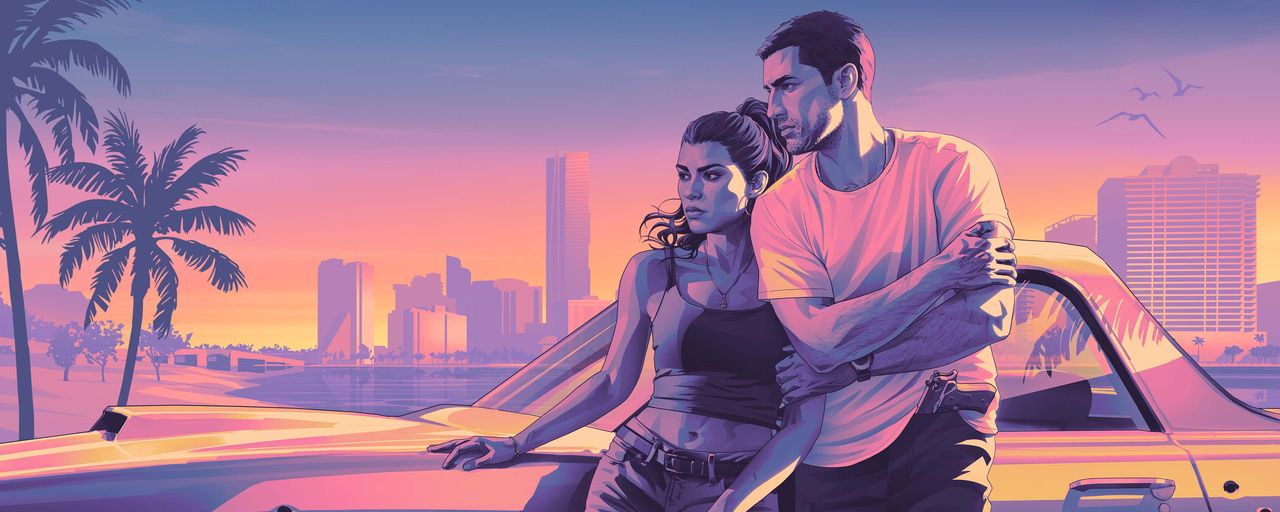
To change the radio station in GTA 6, hold Left on the D-pad to open the radio menu, then press L1 or R1 on PS5 (LB or RB on Xbox) to cycle through the stations, and release Left on the D-pad to start listening to the one you landed on. You can also move the right analog stick to pick a station directly from the wheel. That is the whole control scheme, and every launch guide that covers it agrees on it: Beebom, SixShore, HowToVideoGame, Leonida Intel and Izoate all describe the same inputs. One guide, Game8, says to hold Right on the D-pad instead; no other guide repeats that, so use Left.
Changing stations in a vehicle
Get in a car, bike, boat or aircraft that supports the radio, then:
- Open the radio: hold Left on the D-pad. A strip of station logos appears across the top of the screen.
- Cycle stations: while holding Left, press L1 or R1 (LB or RB on Xbox) to flip through them. The station you land on shows its name and the song and artist currently playing.
- Pick one directly: move the right analog stick to highlight a station instead of cycling.
- Confirm: release Left on the D-pad. The station starts playing.
- Turn the radio off: open the same wheel and press X on PS5 or A on Xbox on Turn Off, at the right end of the strip. Once the radio is off, that option changes to Turn On.
The same controls work on radios you find out in the world, including the stereo in your safehouse, according to GamesRadar, as reported by SixShore.
Listening on foot: you need headphones first
New to GTA 6, the radio also plays while you walk around Leonida, but only once you have headphones or earbuds. IGN and GamesRadar say to buy them at an electronics store; IGN names Zeke's Gadgets in Hamlet, about 1.5 miles north of the starting area at Key Lento, as the closest. GamesRadar reports a pair costs from about $100, and that Jason and Lucia each need their own pair.
To equip them, hold L1 on PS5 (LB on Xbox) to open the loadout wheel, switch to the Items tab with R1 or RB, and highlight the Headgear slot at the top right to toggle your headphones on. Then the radio works exactly as it does in a car: hold Left on the D-pad and cycle with L1 and R1. A fight can knock the headphones to the ground, so pick them back up if the music stops.
Podcasts: the On Demand row
GTA 6 also has on-demand podcasts, which the radio wheel reaches. With the wheel open, push the right stick down to switch from the RADIO row to the ON DEMAND row, then browse the shows and episodes. GamesRadar and VGC both describe this the same way. Reported shows include Drunk Kings, Final Act, Fuck, Marry, Murder, The Safe Trap and Vice City True Stories.
Make the radio start automatically (or never)
Two settings change how the car radio behaves. Go to Settings, then Audio, and find Vehicle Radio, which has three choices:
- Default: if the previous driver was listening to the radio, it resumes automatically when you get in.
- On: the radio turns on whenever you get into a vehicle.
- Off: the radio stays off in every vehicle.
There is also a Mute Licensed Music switch in the same menu, above the Vehicle Radio option, which silences licensed songs. A Media slider controls the radio volume and a separate Music slider controls the score.
Unlocking The Vault Radio
The released game has 22 radio stations, 20 music and two talk, according to launch guides, plus a 23rd station, The Vault Radio, that you unlock inside The Vault nightclub. CULTR and Output Lag both describe the same method: go to The Vault nightclub in Downtown Vice City, find the poster of a gas mask just inside the entrance, and scan it with your phone through the WAiNK app. The Vault Radio then appears on the radio wheel. Treat the unlock steps as reported by those two outlets; the station count comes from the launch guides.
There is no custom Self Radio station in GTA 6, and no launch guide reports a way to import your own music or a music streaming app on the phone. See the radio stations guide for every station, host and song, and the soundtrack guide for the music Rockstar announced before launch.
- Beebom, How to Turn On the Radio in GTA 6 and Change Stations
- SixShore, GTA 6 Radio Stations and Songs: All 22 Stations
- HowToVideoGame, GTA 6: Every Radio Station and Song Confirmed So Far
- Leonida Intel, GTA 6 radio stations and The Album
- Pro-Gamer, How to Use Headphones in GTA 6: Listen to Music and Podcasts on Foot
Figures were checked on the dates shown. Review scores and store listings can move after publication.
More from GTA 6 Hub
 Launch Guide
GTA 6 Release Date, Unlock Time and Platforms: Everything Confirmed for Launch Day
Grand Theft Auto VI is out now on PlayStation 5 and Xbox Series X|S. Here is when it unlocks, where to get it, and what Rockstar has confirmed.
 Price Guide
GTA 6 Price: Standard vs Ultimate Edition, and Which One to Buy
Standard is $79.99, Ultimate is $99.99, and the $20 gap buys bonus content only. The same game, the same map, the same story in both.
 Reviews
GTA 6 Reviews: 99 on Metacritic, Tying the Highest Score Ever
Critics handed Rockstar a near-perfect launch: 99 on Metacritic, 98 to 99 on OpenCritic, and not a single mixed or negative review counted.